The short answer
A screenshot is saved as PNG by default on Windows, macOS and most tools. PNG is lossless, so it stores every pixel exactly — and a modern screen has a lot of pixels. A 2560 × 1440 screen is 3.7 million pixels; at three bytes each that is 11 MB before any compression, and PNG typically gets it to 3–8 MB for a busy page.
Nothing went wrong. You asked for perfect fidelity across a large area, and that is what you got.
Why screenshots are so much bigger than photos
Counter-intuitively, the cleaner the image, the worse PNG does:
- Photos compress well because JPEG throws away detail your eye will not miss.
- Screenshots are full of sharp edges, small text and flat colour blocks. PNG cannot throw anything away, so it stores all of it.
That is also why converting a screenshot to JPEG can look bad: sharp text turns into fuzzy halos. The fix is not "more compression", it is the right combination of size and format.
The 30-second fix
- Resize first. A screenshot of a 2560 px screen is often displayed at 800 px in a document or chat. Capping the width at 1280 px removes more than half the data with no visible loss. Use the Image Resizer.
- Then compress. If it is still too large, run it through the Image Compressor — or set a target directly with compress to 200 KB.
- Only convert to JPG if the screenshot is a photo. For text and UI, keep PNG or convert to WebP, which handles sharp edges far better than JPEG at the same size.
What size should a screenshot actually be?
| Where it goes | Width | Format |
|---|---|---|
| Chat / WhatsApp | 1200–1600 px | JPG or WebP |
| Email attachment | 1200–1600 px | JPG or WebP |
| Word / Google Docs | 1000–1400 px | PNG or WebP |
| Blog post or help article | 1200–1600 px | WebP (PNG fallback) |
| Bug report / ticket | Full size | PNG — do not crop the evidence |
Rule of thumb: match the width to the space it will be displayed in. Everything above that is wasted bytes.
Retina and 4K screens make it worse
On a high-DPI display the screenshot is captured at 2× the logical resolution. A window that looks 1440 px wide is actually 2880 px of image data. That is why the same screenshot is twice as large on a MacBook as on an older laptop.
You rarely need the full 2× version for sharing. Halving the dimensions keeps text perfectly readable on a normal screen while cutting the file to roughly a quarter of the size.
When you should keep the big PNG
Not every screenshot should be shrunk. Keep the original, full-resolution PNG when:
- It is a bug report — a developer may need to read small text or measure pixel positions.
- It is a design handoff — someone will inspect spacing and colour values.
- It contains fine text that must stay sharp when zoomed, such as code or a table.
In those cases keep the PNG and send a smaller copy alongside it. Storage is cheap; a blurry screenshot that cannot be read is not.
Try it on the screenshot that annoyed you
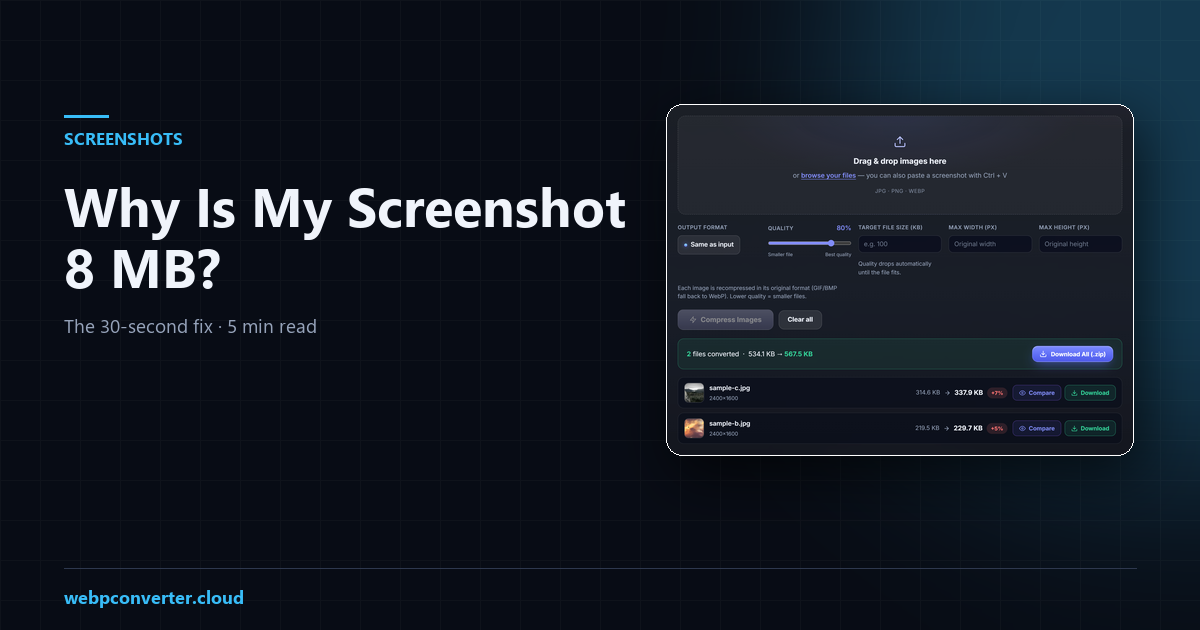
Drop it into the compressor and set a target size — 200 KB is plenty for a chat, 500 KB keeps a full page readable. The tool lowers quality first, then pixel size, until the file fits. Everything runs in your browser, so nothing is uploaded.