Platform limits
These are the ceilings the big services enforce today. Nothing here is a suggestion — exceed it and the upload simply fails.
| Service | Limit | Notes |
|---|---|---|
| Gmail | 25 MB | Total message size, attachments included |
| Outlook.com | 20 MB | 25 MB for some account types |
| 16 MB | Documents; photos sent as images are compressed hard by the app | |
| X (Twitter) | 5 MB | Per image; GIFs allow more |
| 8 MB | Per image | |
| 20 MB | Per image | |
| Discord | 10 MB | Free tier; higher with paid plans |
| WordPress | 2 MB | Default media upload — the host can raise it |
Last checked November 2026. Services change these quietly, so if an upload fails, assume the limit moved rather than your file being broken.
The form limits that actually cause trouble
Social platforms are generous. The pain comes from government portals, job applications, university admissions and visa forms, where the ceiling is often a few hundred kilobytes — and the number is buried in small print.
| Limit | Where you meet it | Tool |
|---|---|---|
| 20 KB | Older exam and government forms | Compress to 50 KB, then resize down |
| 50 KB | Profile photos, some national ID portals | Compress to 50 KB |
| 100 KB | Job portals, university applications | Compress to 100 KB |
| 200 KB | Document scans, visa forms, most passport uploads | Compress to 200 KB |
| 500 KB | Email attachments, forums, messaging | Compress to 500 KB |
| 1–2 MB | Most modern portals and CMS uploads | Image Compressor |
How to find the limit before you upload
- Read just under the upload box. It is almost always there: "max 200 KB, JPG only".
- Check the help or FAQ page for the portal — the number is usually in a table of photo requirements.
- Look at the file-type hint. If it says "JPG", converting your PNG to JPG is part of the fix, not just the size.
- If it says nothing, upload a 200 KB JPG. That passes nearly everything built in the last decade.
Why a form rejects a photo that looks fine
Size is only one of four things being checked, and people usually fix the wrong one:
- File size — over the KB limit. Fix: compress.
- Pixel dimensions — too large or too small. A form asking for 600 × 600 will reject a 4000 × 3000 photo even at 80 KB. Fix: resize.
- Format — it wants JPG and you are uploading PNG or WebP. Fix: WebP to JPG, or re-export a PNG as JPG in any editor.
- The wrong file — a HEIC from an iPhone with a .jpg extension, or two files uploaded into one slot.
The order that works: crop to the right shape, resize to the right dimensions, then compress to the size limit, then check the format. Doing it in that order means each step makes the next one easier.
A note on WebP
WebP is the right format for a website and the wrong one for a form. Most government and HR portals only accept JPG or PNG, and some reject WebP silently — the upload appears to succeed and the preview is blank. When a form is involved, convert back to JPG before uploading.
Try it with your own file
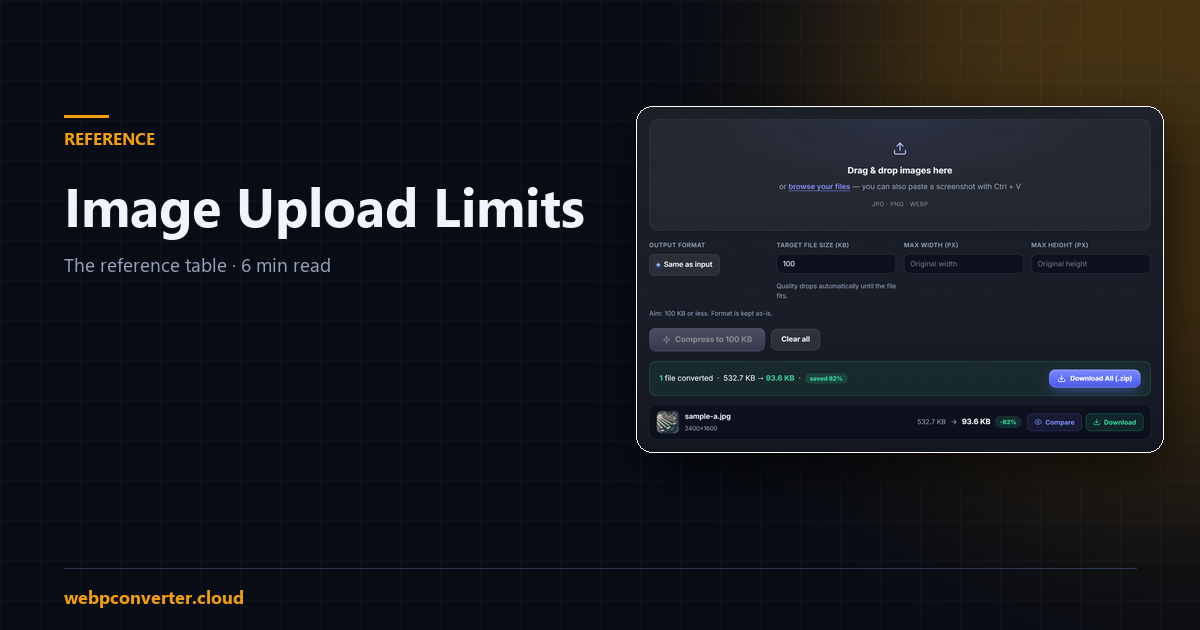
All of these tools run in your browser — the file is never uploaded anywhere, which matters when the image is an ID card or a passport photo. Pick the tool that matches your limit and set the target size; the tool lowers quality, then pixel size, until the file fits.